On this page
The best open source workflow automation tool is the one your team can actually run and extend. For most teams that means n8n or Activepieces for visual app-to-app automation, Windmill or Kestra for engineers who prefer code or YAML, Airflow for Python data pipelines, Node-RED for event and IoT flows, Flowise for LLM apps, and Camunda for formal approval processes. Licenses differ more than feature lists suggest, so read them before you commit.
Most lists on this topic mix three different kinds of products: app connectors, data orchestrators and business-process engines. They solve different problems, and picking the wrong kind costs you weeks of rework. "Free" software also carries costs in servers, upgrades and maintenance time.
This guide compares eight tools by how they work, who they suit, and what their license and limits mean in practice. A comparison table and a selection guide follow the list. We build custom software and AI automation for growing businesses at Arrowbin, so we also say when an off-the-shelf tool stops being enough.
1. n8n for visual, API-driven automation
How it works
n8n is a visual editor where you wire together nodes, each one a trigger, an app action or a piece of logic. It ships with hundreds of built-in integrations, an HTTP request node for any API it lacks, and code nodes for JavaScript and Python when the visual blocks run out.
For AI work, n8n has nodes for LLM chains and agents built on LangChain. You can connect a model to your data and your apps on one canvas. You self-host with Docker, or you pay for the vendor's cloud plan.
n8n is the quickest route from idea to a working app-to-app automation, provided you accept its license terms.
Who it suits, license and limits
n8n is source-available rather than open source in the OSI sense. Its Sustainable Use License lets you self-host and modify it for internal business use, but it restricts selling n8n as a service. Some enterprise features, such as SSO, sit in paid tiers.
- Pick it if non-developers will build most flows and developers will add the occasional code step.
- Pick it if you want AI agents wired to SaaS apps quickly.
- Skip it if your policy requires an OSI-approved license, or if you need heavy data processing with strict code review of every flow.
2. Activepieces for no-code teams that want MIT
How it works
Activepieces is a drag-and-drop flow builder where each integration is a piece, a TypeScript package published on npm. Its vendor cites hundreds of pieces, and a large share comes from the community. If a connector is missing, a developer can write one in TypeScript.
The platform includes AI agent steps, an AI copilot that helps build flows, and human-in-the-loop approval steps that pause a flow until someone signs off. You can run it in the vendor's cloud, which you can try without a credit card, or self-host it.
Activepieces gives non-technical teams a Zapier-style builder under a genuinely permissive license.
Who it suits, license and limits
The community edition is MIT licensed, the most permissive license on this list. Check which enterprise features sit outside that edition before you plan around them, since paid tiers can hold the governance features larger companies expect.
- Pick it if marketing, sales or operations staff will build their own automations.
- Pick it if you need approval steps inside flows.
- Skip it if you need to orchestrate heavy data pipelines or run flows on constrained hardware.
3. Node-RED for event-driven and IoT flows
How it works
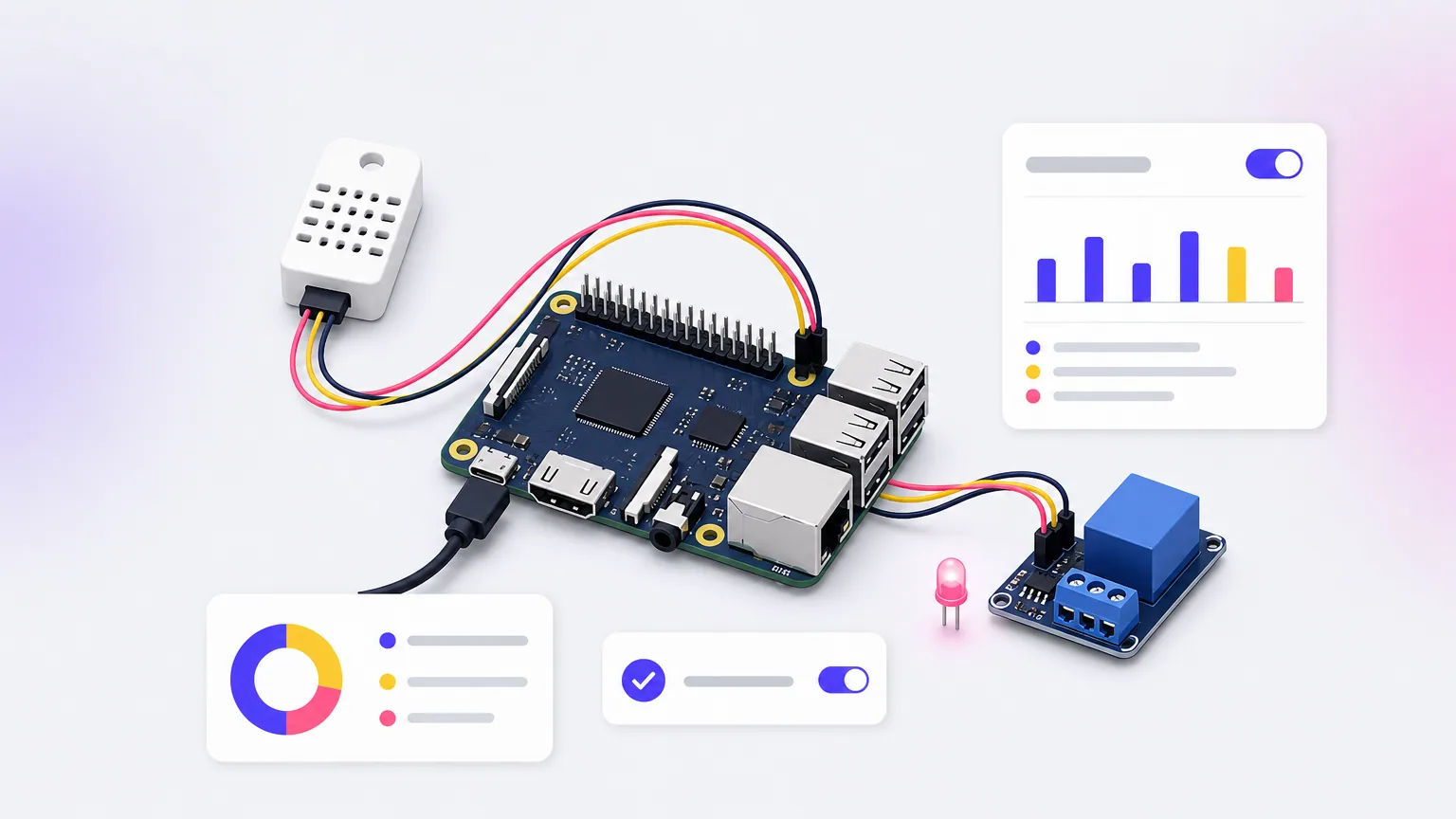
Node-RED is a flow-based tool that runs on Node.js. You open a browser editor, drag nodes onto a canvas and wire them together. Each node receives a message, changes it and passes it along. It is lightweight enough to run on a Raspberry Pi, which is why it shows up in factories, labs and smart-home setups.
Its strength is messaging. MQTT, HTTP, WebSockets, serial ports and databases are all first-class citizens. A large library of community nodes installs through npm, and function nodes let you write JavaScript wherever you need it.
Node-RED shines when the trigger is a device or a message rather than a business user clicking a button.
Who it suits, license and limits
Node-RED is Apache 2.0 licensed and governed by the OpenJS Foundation, so the license carries little risk. Flows are stored as JSON, which makes code review at scale harder than with YAML or Python.
- Pick it if you connect hardware, sensors or real-time message streams.
- Pick it if you want a small tool a single developer can run on one box.
- Skip it if you need durable, long-running business processes with approvals, or large teams collaborating on shared flows.
4. Windmill for developers who want scripts first
How it works
Windmill turns scripts into workflows and internal tools. You write steps in Python, TypeScript, Go or Bash, and Windmill generates a user interface from each script's parameters. You then chain those scripts into flows with branching, loops, retries and schedules.
It supports Git sync, so scripts and flows live in a repository alongside your other code. A visual flow editor sits on top for people who prefer to see the graph. You can self-host it or use the vendor's cloud.
Windmill treats code as the source of truth and the visual editor as a convenience, which suits engineering teams.
Who it suits, license and limits
The core is licensed under AGPL v3. Using it internally is generally straightforward. If you modify it and offer it to outside users over a network, the license requires you to share your changes, so get legal advice before building a product on top of it.
- Pick it if developers own the automations and want versioned, testable scripts.
- Pick it if you need quick internal admin UIs along with workflows.
- Skip it if your builders are non-technical, or if AGPL conflicts with your company policy.
5. Apache Airflow for Python data pipelines
How it works
Apache Airflow schedules and monitors batch workflows defined as Python DAGs, directed acyclic graphs that set the order of tasks. A scheduler decides what runs, an executor hands tasks to workers, a metadata database tracks state, and a web UI shows runs, logs and failures.
Hundreds of provider packages connect it to AWS, Google Cloud, Azure and common data tools. Because DAGs are plain Python, you can generate them dynamically and test them like any other code. Managed Airflow services from the big cloud providers exist if you do not want to run it yourself.
Airflow is the default for scheduled data pipelines, and it asks you to accept real operational overhead in return.
Who it suits, license and limits
Airflow is Apache 2.0 licensed with a very large community. Its limits are structural. It is batch-oriented, not built for streaming or low-latency event handling, and running the scheduler, workers and database reliably takes engineering time.
- Pick it if your team writes Python and moves data on a schedule (ETL, ML training, reporting).
- Pick it if you want the biggest ecosystem and hiring pool.
- Skip it if you need a visual builder for business users, or simple SaaS automations.
6. Kestra for declarative, language-agnostic orchestration
How it works
Kestra defines workflows in YAML, so a flow is a readable file you can review, version and deploy through Git. Tasks can run Python, SQL, shell commands or Docker containers, so a polyglot team does not need to rewrite everything in one language.
Flows start on schedules, webhooks or events, and a plugin library covers databases, cloud services and messaging. The web UI includes a code editor and execution views. The vendor also describes an AI copilot that drafts YAML from plain-language prompts, and plugins for LLM calls inside flows.
Kestra sits between Airflow and the visual builders: declarative like infrastructure code, but not tied to Python.
Who it suits, license and limits
The core is Apache 2.0. Features such as granular access control and multi-tenancy are typically part of a commercial edition, so confirm what the free version includes before you rely on it for a shared company platform.
- Pick it if data, infrastructure and automation teams want one orchestrator.
- Pick it if you like GitOps and want flows reviewed like code.
- Skip it if your builders want drag-and-drop connectors, or if you only need a handful of SaaS automations.
7. Flowise for AI and LLM workflows
How it works
Flowise is a drag-and-drop builder for LLM applications. You connect model nodes, prompt templates, document loaders, vector stores and memory to build chatbots, retrieval-augmented generation (RAG) pipelines and agent flows. It exposes each flow as an API endpoint or an embeddable chat widget.
It is not a general automation engine. It does not schedule business processes or sync apps. Teams commonly pair it with a connector tool, where n8n or Activepieces triggers the event and a Flowise flow handles the language-model part.
Flowise answers one question well: how do I build an AI assistant on my own documents without writing the plumbing?
Who it suits, license and limits
Flowise is Apache 2.0 licensed and self-hosts with Docker. Before you expose any flow to users, plan for authentication, rate limiting and monitoring, because an open endpoint can burn through model credits quickly.
- Pick it if you are prototyping chatbots, RAG over internal docs or agent flows.
- Pick it if you want a self-hosted alternative to hosted AI builders.
- Skip it if you need schedules, approvals or integrations with dozens of business apps in one tool.
8. Camunda for BPMN business processes
How it works
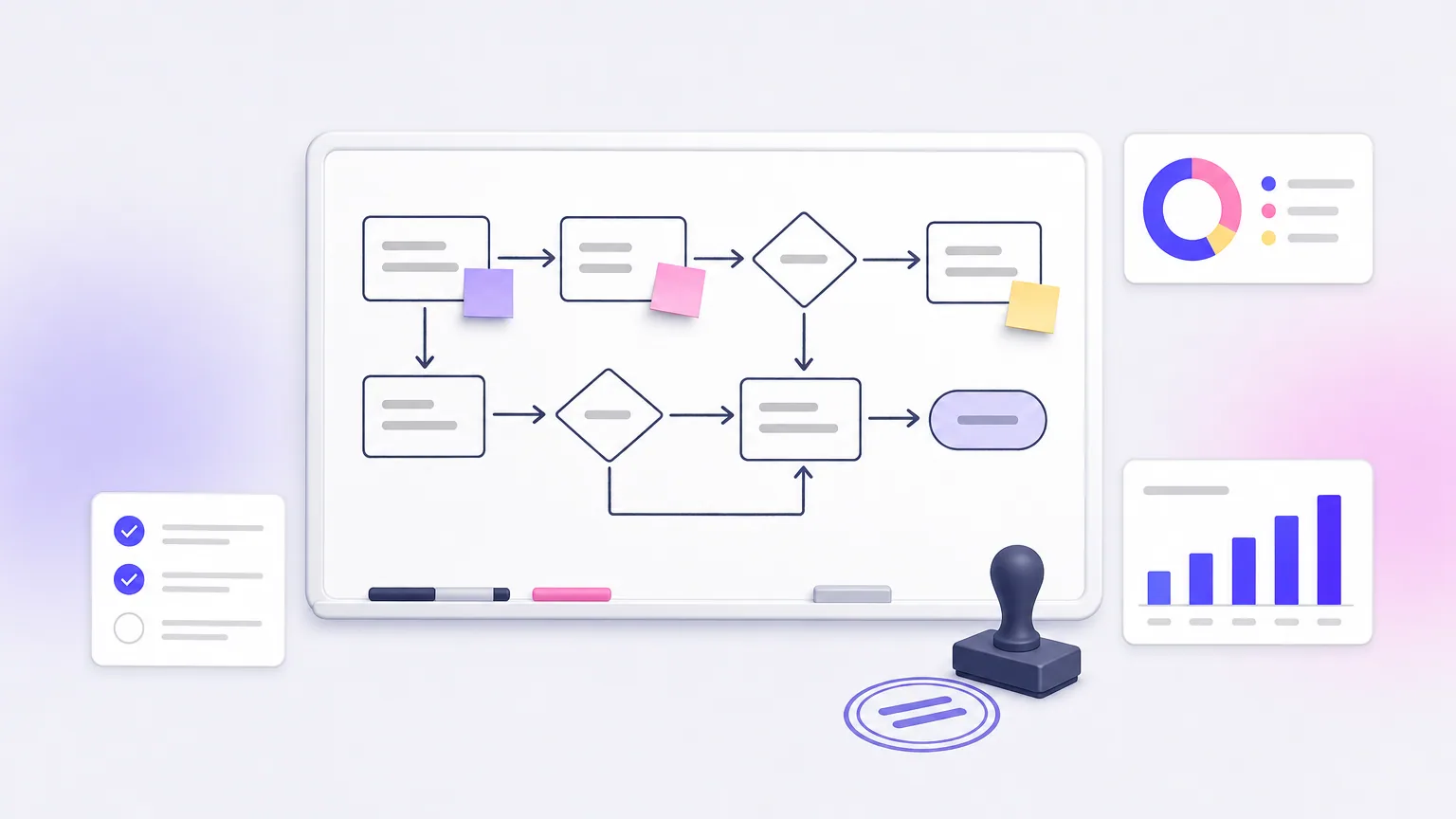
Camunda executes processes drawn in BPMN, the standard notation for business process diagrams, and decisions modeled in DMN decision tables. The diagram your analyst draws becomes the workflow your developers run. Human tasks, such as a manager approving a loan, are a core feature, with a task list for the people involved.
Developers connect service tasks to APIs and microservices, usually in Java or through connectors. Newer versions run on the Zeebe engine for cloud-native scale. Camunda also positions itself for orchestrating AI agents inside governed processes.
Camunda earns its complexity only when the process itself, with its approvals and audit trail, is the product.
Who it suits, license and limits
Licensing has changed between versions. The older Camunda 7 community edition is open source, while Camunda 8's self-managed production use is tied to commercial terms. Read the current license for the exact version you plan to run.
- Pick it if you automate formal processes such as claims, onboarding or compliance approvals.
- Pick it if business analysts and developers must share one model.
- Skip it if you only need to connect apps or schedule jobs. It is heavyweight for that.
How to choose an open source workflow automation platform
Choose by the type of work first, then by license, then by who will build and maintain the flows. Skipping straight to feature lists is how teams end up with a data orchestrator doing a connector's job.
Side-by-side comparison
| Tool | License | How you build | Best for | AI angle |
|---|---|---|---|---|
| n8n | Sustainable Use (source-available) | Visual nodes plus code | App and API automation | LangChain-based agent nodes |
| Activepieces | MIT (community edition) | Visual builder, TypeScript pieces | No-code team automation | AI agent steps, copilot |
| Node-RED | Apache 2.0 | Visual flows, JavaScript | IoT and real-time messages | Via community nodes |
| Windmill | AGPL v3 | Scripts in Python, TypeScript, Go, Bash | Developer-run automations | Call models from scripts |
| Apache Airflow | Apache 2.0 | Python DAGs | Batch data pipelines | ML pipeline scheduling |
| Kestra | Apache 2.0 (core) | YAML | Unified orchestration | Copilot and LLM plugins |
| Flowise | Apache 2.0 | Visual LLM chains | Chatbots, RAG, agents | Core purpose |
| Camunda | Varies by version | BPMN diagrams | Approval-heavy processes | AI agents in processes |
Match the tool to your team
Start from the person who will build the workflows. Then check the scenario against the list below.
- Non-technical operators: Activepieces or n8n.
- Developers who want code in Git: Windmill or Kestra.
- Python data engineers: Airflow.
- Devices and message streams: Node-RED.
- AI assistants over your documents: Flowise, triggered by one of the connector tools.
- Formal approvals with audit trails: Camunda.
Take a worked example. A 12-person online store wants new orders posted to Slack, logged in Google Sheets, and support emails drafted by an LLM for an agent to review. That is app-to-app work with a bit of AI, so n8n or Activepieces on one small Docker server fits. Airflow or Camunda would be overkill.
People often ask what is better than n8n. The honest answer is that it depends on your constraint. Activepieces wins on license, Windmill on developer workflow, Kestra on data and infrastructure orchestration. Microsoft's Power Automate is a capable workflow tool too, but it is proprietary, so it does not belong on an open source shortlist.
What self-hosting really costs
The software is free, but running it is not. You pay for a server, a database, backups, upgrades, secret storage, monitoring and the time of someone who answers when a flow fails at 2 a.m. For a small team, that is manageable. For business-critical flows, it is real work.
If the tool you picked still does not fit your exact workflows, custom software may be cheaper than bending a generic engine. Arrowbin's AI automation work typically starts around $10,000 to $15,000 including a year of running costs, with a prototype in 2 to 3 weeks. Custom tools range from about $8,000 for a focused build to $75,000+ for a full platform. If you would rather self-host with help, its cloud and DevOps setup runs in accounts you own and is defined as code with Terraform.
Free to license is not free to run, so budget for hosting and upkeep before you choose.
Picking your tool and next steps
Match the tool to the job and the builder. Activepieces and n8n cover most app automation, Windmill and Kestra suit engineering teams, Airflow handles Python data pipelines, Node-RED handles events, Flowise handles LLM apps, and Camunda handles formal processes. Check each license against how you plan to use it, and start with one real workflow instead of a platform-wide rollout.
If you would rather not run the infrastructure yourself, or your workflows outgrow what a generic engine can do, talk to Arrowbin's senior engineers about a free 30-minute call. You will get a straight answer on scope, timeline and cost, and you will own the code.