On this page
Business automation AI is the use of artificial intelligence to run repetitive work that used to need a person's judgment, such as reading an invoice, answering a customer question, or sorting a support ticket. Ordinary automation follows fixed rules and breaks when an input looks different. AI-powered automation reads messy text, documents and requests, works out what they mean, and triggers the next step in your tools. A person steps in only when the system is unsure.
This article shows how that works in practice. You will see why it matters, how to pick and launch a first project, concrete examples by department for small and local businesses, the parts every working system needs, and what it costs and where it goes wrong.
Arrowbin is a software studio that builds AI automations, assistants and custom software for small and growing companies. The advice below comes from the build side, not from a feature list. Where we give figures, treat them as ranges you can check against your own numbers.
Why AI business automation matters for your team
AI business automation matters because most repetitive office work is not really rule-based. It arrives as emails, PDFs, chat messages and forms that look different every time, and classic automation cannot cope with that variety. AI can, so work that used to be stuck with people becomes automatable.
What AI adds to ordinary automation
Traditional automation moves data by fixed rules: if a form is submitted, copy it to a spreadsheet. AI-powered business automation adds a layer that reads and interprets, so the same workflow can accept an unstructured input and still choose the right next step. The table shows the practical difference.
| Rule-based automation | AI-powered automation | |
|---|---|---|
| Input it handles | Structured fields such as form entries and spreadsheet rows | Free text, scanned documents, images and voice |
| How it decides | Fixed if-then rules | Interprets meaning and intent |
| When something unexpected arrives | Stops or throws an error | Attempts an answer and escalates when unsure |
| Setup | A rule written for every case | Instructions, examples and your own data |
| Best for | Identical, high-volume steps | Varied, messy inputs |
| Example | Copy a form entry into a CRM | Read a customer email, spot a refund request, draft the reply |
The strongest setups use both. Rules handle the predictable parts, such as routing, approvals and record updates, while the model does the reading and drafting. That split keeps the system cheap to run and easy to audit, because the AI performs only the one job that rules cannot.
The AI reads and drafts, while plain rules route, approve and record.
Why small and local businesses gain the most
AI automation for small business pays off fastest because small teams have no spare hours. One person often answers the phone, sends quotes, chases invoices and updates the website. Each task you remove gives time back to the one or two people who cannot be replaced. Large companies gain from scale, and small ones gain from relief.
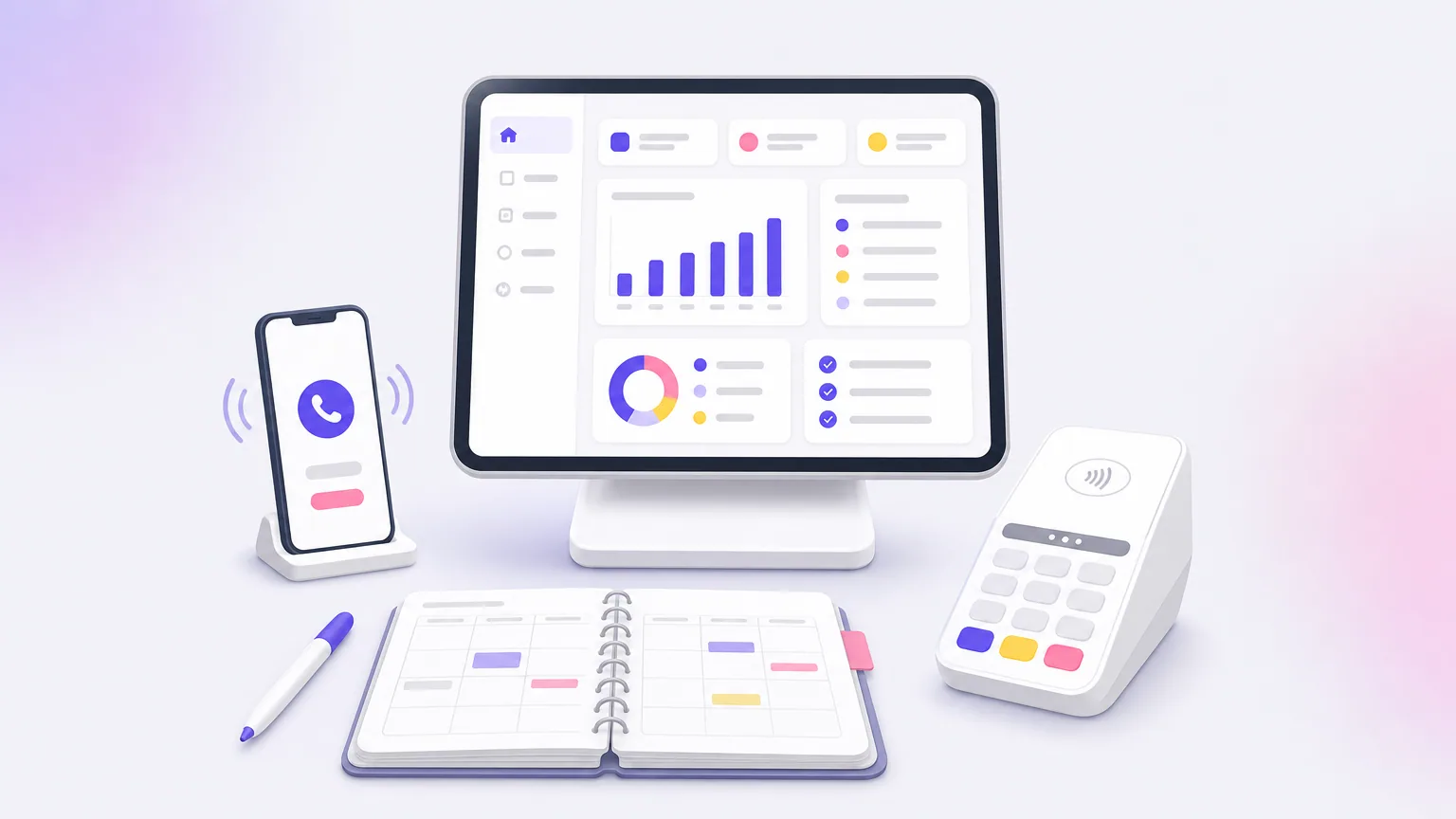
Cloud-hosted language models also removed the old barrier. A local business no longer needs servers or a data science team. A clinic, a workshop or a store can run an assistant that answers common questions at night, logs every booking request, and flags the odd one for a human by morning. That is AI automation for a local business at its simplest: fewer missed enquiries without a new hire.
Where the payoff shows up first
Most owners see the same four gains, usually in this order. The first two are visible within weeks, and the last two build up as volume grows.
- Hours back: data entry, sorting and first-draft replies shrink from minutes to seconds per item.
- Faster responses: an enquiry gets an answer in a minute instead of the next morning.
- Fewer slips: the system applies the same checks to every item, including the ones that arrive at 5 pm on a Friday.
- Capacity without hiring: volume can double before the workload does.
How to start with AI for business automation
Start with one repetitive task that has clear inputs, a clear output and a number you can measure. Pilot it with a person reviewing every result, and expand only after the numbers hold. Skipping straight to a company-wide AI plan is the most common reason these projects stall.
Pick the right first task
List every repetitive task your team does, then score each one against five questions. The task that passes most of them is your first project.
- Frequency: it happens daily or weekly, not twice a year.
- Volume: it consumes several hours a month, or hundreds of items.
- Clear right answer: someone can say whether the output was correct.
- Low stakes: a mistake gets caught in review, not by a customer or a regulator.
- Digital input: the data already lives in email, files or an app.
Good first candidates are invoice processing, support triage, lead qualification and replies to booking enquiries. Poor first candidates are tasks where nobody has written down how the decision is made. If two of your staff would handle the same case differently, the AI has nothing consistent to learn from, so document the rule first.
Run a pilot with a person in the loop
A pilot is a small, supervised version of the real thing. It proves the idea on your own data before you pay for the full build. Follow these steps in order.
- Write down the current process step by step and time it for two weeks. This is your baseline.
- Collect 50 to 100 real examples, including the awkward ones that staff complain about.
- Build a prototype that handles those examples and shows its reasoning or source.
- Have a person approve every output for the first weeks.
- Reduce review only for the categories where accuracy stays consistently high.
Timing depends on scope. At Arrowbin, a focused prototype takes 2 to 3 weeks, and moving it to production takes another 3 to 6 weeks. If a quote promises a finished system in days, ask what has been left out, usually testing on real data.
Measure before you expand
Compare the pilot to the baseline you recorded in step one. Five numbers cover almost every case: time per item, error rate, share of items handled without edits, response time, and cost per item. Set the bar before the pilot starts, for example "80% of invoices handled with no human edit", so you are not tempted to move the goalposts afterward.
Pick one task, measure it before and after, and add the next one only when the numbers hold.
Examples of AI automation in business by department
The clearest examples of AI automation in business sit in five areas: customer support, sales, finance, operations and hiring. In each, the AI reads or drafts and a person handles the exceptions. The table sets out the pattern before the detail.
| Area | Task automated | What the AI does | What a person still does |
|---|---|---|---|
| Customer support | Ticket triage and common questions | Classifies the request and drafts an answer from your help content | Handles refunds, upset customers and edge cases |
| Sales | Lead qualification and follow-up | Summarizes the enquiry, scores it, drafts a first reply | Runs calls and negotiates |
| Finance | Invoice and receipt processing | Extracts supplier, amount and dates, then matches them to orders | Approves flagged and high-value items |
| Operations | Orders and bookings | Reads requests, updates records, sends confirmations | Resolves conflicts and exceptions |
| HR | Onboarding and screening | Answers policy questions and sorts applications against a rubric | Makes hiring decisions |
Customer support and sales
A support assistant trained on your help pages, shipping rules and refund policy can answer the questions that make up most of your inbox. It collects the order number, answers what it can, and hands the rest to a person with a summary so the customer never repeats themselves. The saving is not only time. Slow replies lose sales, and an assistant that replies in seconds keeps the enquiry warm.
On the sales side, a new form submission or email is read, tagged by service type and urgency, and answered with a draft that the owner approves. For a local business, the same idea works with phone calls. A missed call triggers a text asking what the caller needs, and the answer lands in your CRM as a qualified lead instead of a voicemail you never return.
Finance and back office
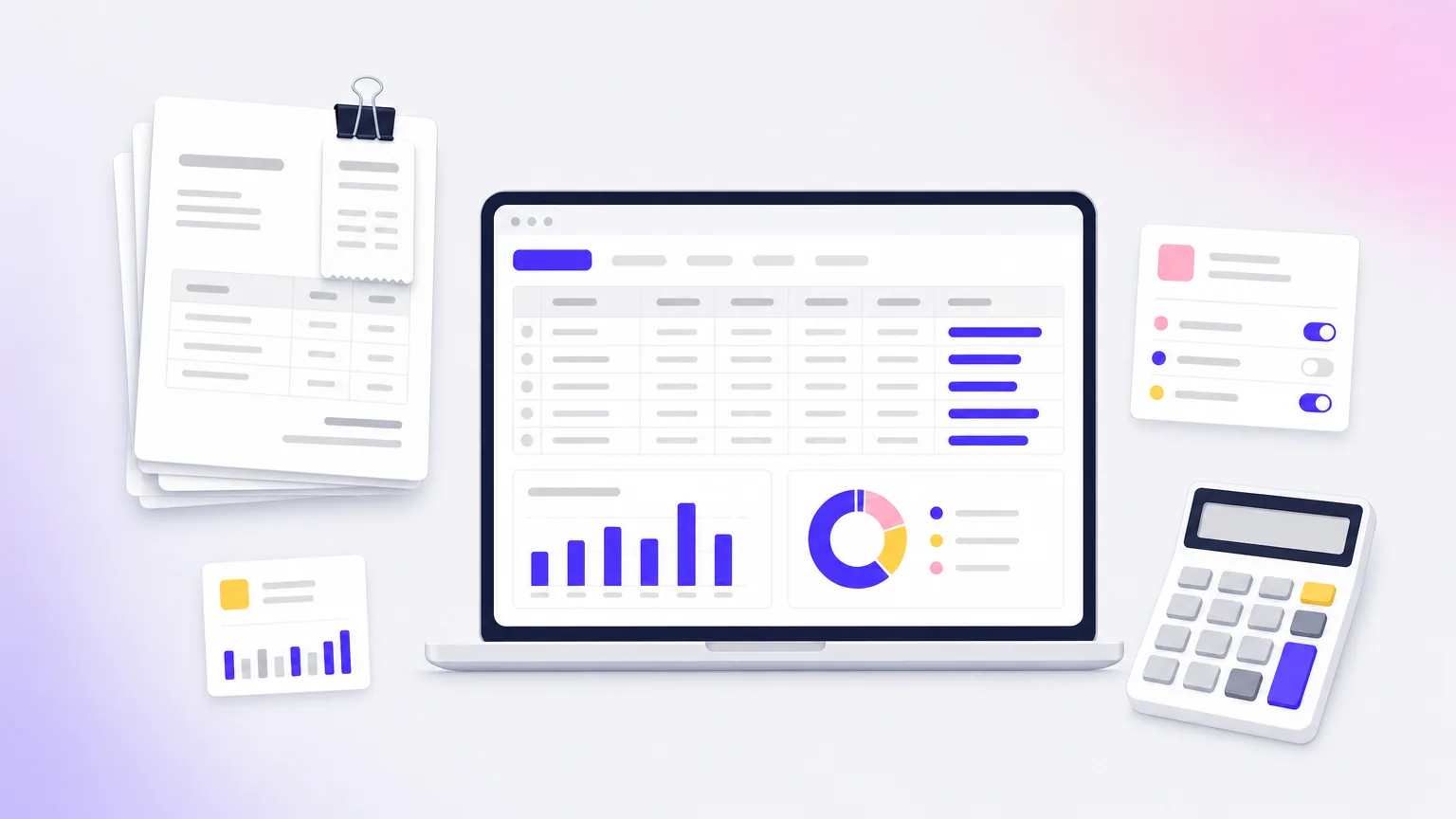
Invoice processing is the textbook case. The system reads each PDF or photo, pulls out the supplier, totals, dates and line items, checks the arithmetic, matches it to a purchase order, and routes only the mismatches to a person. Receipts and expense categories work the same way. A month-end assistant can also summarize spending by department in plain language.
One firm rule: never let the AI release payments on its own. Let it prepare and flag, and keep a human approval above a threshold you choose. The automation removes the typing and checking, and a person keeps the final decision where money leaves the account.
Operations, e-commerce and hiring
An online store can use an assistant that answers "where is my order?" straight from order data, drafts product descriptions for review, and flags suspicious orders for a confirmation call before shipping. A salon, clinic or repair shop can automate booking confirmations, reminders and rescheduling requests, with the AI reading free-text messages such as "can we move Thursday to next week?" and updating the calendar.
In hiring, an assistant can answer policy questions from your handbook, so the owner stops repeating the same answers to new staff. It can also sort applications against a written rubric. Keep the decision with people, because a screening model reflects whatever criteria you give it, and that deserves a human check.
A good first example reads something messy and hands a clean record to a system you already use.
How AI-powered business automation works
AI-powered business automation works as a chain of five parts: a trigger starts it, a model interprets the input, your data adds context, integrations take action, and a person reviews exceptions. Every working system has these parts, whether it is a no-code setup or custom software.
The five parts of a working system
Knowing the parts helps you judge a quote, a tool or a demo, because a missing part is usually where projects fail.
- Trigger: a new email, form, uploaded file, chat message or schedule starts the run.
- Model: a language model reads the input, classifies it, extracts fields or drafts a reply.
- Context: your documents, price lists and policies are looked up at the moment of the request, so answers match your business rather than the internet's average.
- Actions: integrations update your CRM, accounting software or store admin, and send the emails or messages.
- Review: confidence thresholds, approval queues and logs let a person catch and correct mistakes.
The context step is the one buyers overlook. A model with no access to your policies will guess, and a guess delivered confidently is the main cause of bad AI output. Looking up the relevant policy first, then answering from it, is what makes an assistant dependable.
Automations, assistants and agents
These three terms get mixed up, but they differ in how much freedom the AI has. The more freedom, the more guardrails you need.
| Type | What it does | Example | Risk level |
|---|---|---|---|
| Automation | Runs a fixed sequence with one AI step inside it | Extract fields from every incoming invoice | Low |
| Assistant | Answers or drafts when a customer or staff member asks | A support chat that answers from your help pages | Medium |
| Agent | Plans several steps and uses tools on its own | Researches a lead, updates the CRM and schedules a follow-up | Higher, needs strict limits |
Begin with an automation. Agents make sense later, once a single AI step has proven reliable and you can name the limits you want to set, such as which tools it may use and what it may never do without approval. Most small businesses get the bulk of the value from the first two rows.
Choosing models and keeping data safe
Hosted models from providers such as Anthropic (Claude) and OpenAI handle most language tasks well, and Arrowbin uses them for most builds. When data must stay in-house, for example client records or contracts, open-source or private models running on your own infrastructure are the safer choice, at a higher setup cost.
Whichever route you take, ask three questions before launch. Does the provider train its models on your data? What exactly does the model see, and can you reduce it to what the task needs? Where are the logs kept, and who can read them? Clear answers matter more than which model name is on the invoice.
Start with one AI step inside a fixed workflow before you give anything autonomy.
What business automation AI costs and where it fails
A focused first automation typically starts around $10,000 to $15,000 at Arrowbin, including a year of running costs. The main risks are wrong answers, data exposure and a workflow nobody owns. Plan for all three before launch, and check the payback against your own volume.
What a first automation costs
The price of AI automation for a business depends on scope. A focused first project, such as invoice processing or support triage, usually lands around $14,000 for a typical build, with larger agent systems costing more. Ready-made tools cost less upfront, but you pay per seat or per use every month, and they bend less to your workflow.
Here is a worked example. Assume a business that handles 600 supplier invoices a month at 6 minutes each, and a staff cost of $30 an hour. These are assumptions to replace with your own figures.
| Item | Before | After |
|---|---|---|
| Invoices per month | 600 | 600 |
| Invoices a person touches | 600 | 90 (the 15% exceptions) |
| Hours of handling at 6 minutes each | 60 | 9 |
| Spot-check time | 0 | 2 |
| Total hours per month | 60 | 11 |
The saving is 49 hours a month, or about $1,470. Against a $14,000 build, that pays back in roughly 10 months. The year of running costs is already included in that price, so ask what year two costs before you sign.
Volume decides everything. At 200 invoices a month, the same setup saves about 16 hours, roughly $500, and payback stretches past two years. At that volume, a cheaper ready-made tool is the better choice.
Risks to plan for
Most failures are predictable, and each has a plain fix. Raise these with any vendor, including us, before work begins.
- Wrong answers: models can state errors with confidence. Ground answers in your own documents, show the source, and keep review on anything costly.
- Data privacy: limit what the model sees, check whether your data trains the provider's models, and use private models for sensitive records.
- Integration friction: the automation is only as useful as its connection to your accounting, CRM or store. Confirm the integrations exist before pricing.
- Staff resistance: involve the people who do the task today. They know the exceptions, and they will trust a tool they helped shape.
- No owner: models, prompts and integrations need upkeep. Name one person who watches the metrics, and plan ongoing maintenance.
Build custom or use ready-made tools
Use ready-made tools when the task is common, such as scheduling, email sorting or basic chat, and the data is not sensitive. Build custom when your workflow is unusual, your data must stay under your control, or per-seat fees would add up across a growing team.
Custom work also changes who holds the keys. Arrowbin clients own all source code, designs and infrastructure, with no vendor lock-in, so the automation stays yours if you change suppliers. That matters because an AI workflow tends to become part of how the business runs.
Do the payback math on your own volume before you pick a tool, because volume decides everything.
Start with one task
Business automation AI is not a company-wide transformation. It is a series of small, measured wins, each built on a repetitive task that reads something messy and hands a clean result to your tools. Pick the task with the most volume and the clearest right answer, pilot it with a person checking the output, and measure it against the baseline you recorded.
If you want a second opinion on which task to start with, or a straight answer on scope, timeline and cost, book a free 30-minute call with Arrowbin. A senior engineer will give you a straight answer on scope, timeline and cost, usually within a day.